# Managing Autofill Settings
Some users utilize password managers (such as LastPass or KeePass) or browser settings to generate, store, and populate login information for a large number of login accounts. If your security policy allows, the password manager can autofill your password in the Vault login screen.
## Disabling Autofill
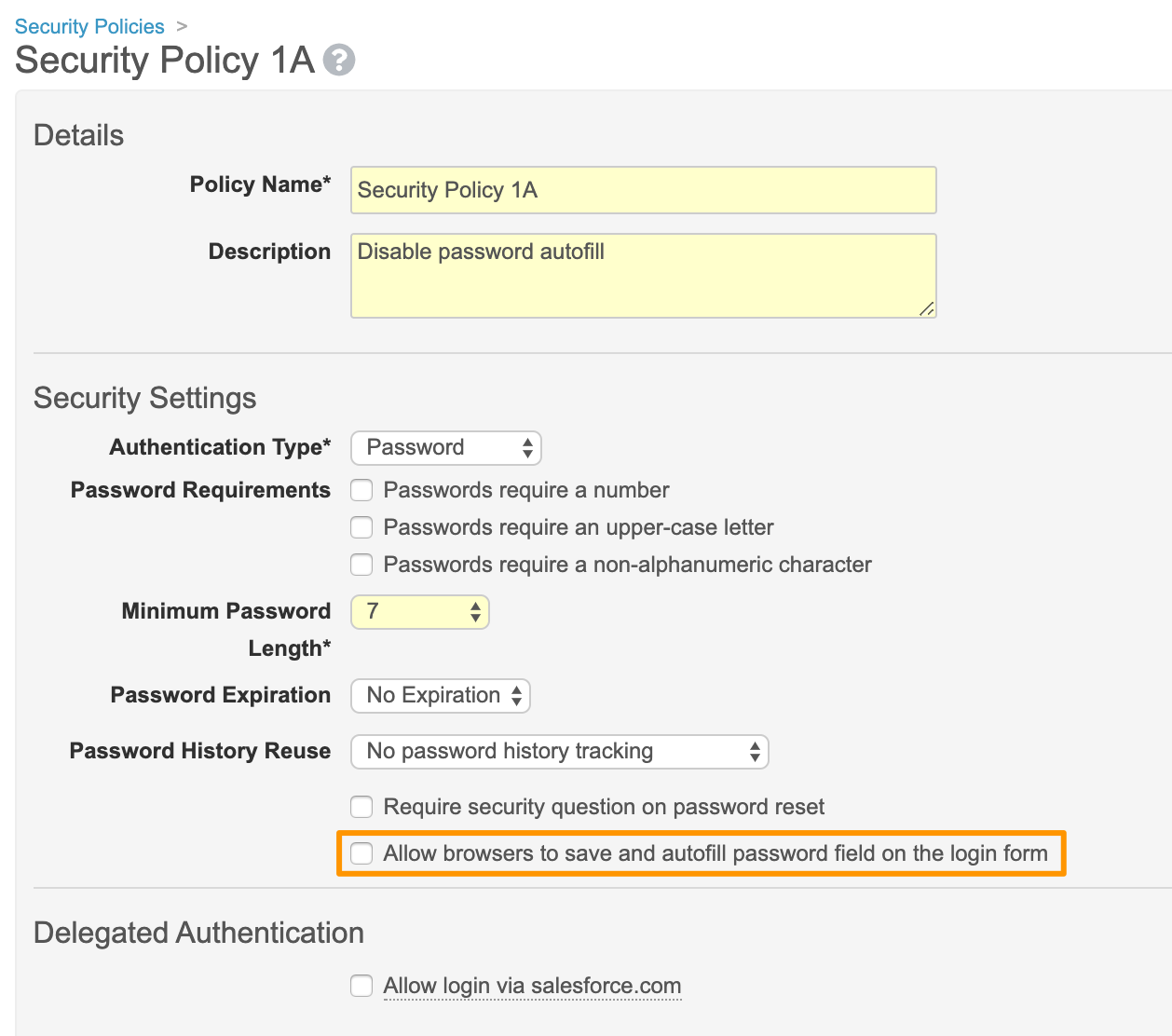
Admins can choose to prevent browsers and password managers from saving and autofilling the password field in the Vault login screen. From **Admin > Settings > Security Policies**, open a specific security policy, edit, and clear the **Allow browsers to save and autofill password field on the login form** setting. When this setting is on, users can choose to save passwords to a password manager or to their browser. This setting is enabled by default.